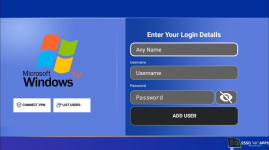
![SMARTERS v2.2.2 [HC] - custom design with single DNS (Hardcoded)](https://esso4k-tv.com/data/attachments/1/1429-990a089eeffd5dc0a8dd1bd8c44dc3f4.jpg)

- Joined
- Feb 5, 2024
- Messages
- 3,249
- Reaction score
- 6,307
- Points
- 113
- Website
- esso4k-tv.com
- vip
- 10,010 credits
Offline
SMARTERS v2.2.2 [HC] - custom design with single DNS (Hardcoded)
Tools using- Decompiling tool: APK EASY TOOL
- Editing tool: Notepad ++
- Icons & Images tool: Photoshop
1st step:
-Select gringoiptv APK from your directory.
-Click on decompile.
-When the file is decompiled go to the decompiled file directory.
2nd step:
[HIDETHANKS]
-Change package name from (AndroidManifest.xml) and replace this "com.gringo.gringoiptvbox" with yours
-To change DNS go to smali_classes2\com\net\bdstreamztvtwo\view\activity\LoginActivity.smal and search for "yourdns.com" or go directly to line 1712
-Change your app name by going to \res\values and edit strings.xml and replace it: GRINGO IPTV
[/HIDETHANKS]
When you finish, compile the file with APK Easy tool.